USB plug and play
Connects through USB and starts quickly for clinic desks, online consultations and teaching sessions.
Trusted by 2M+ patients across East India trusted patients

Product
A professional A4 USB digital writing pad for doctors, online consultations, educators and trainers who need handwritten notes to appear clearly on screen, save cleanly and share easily.
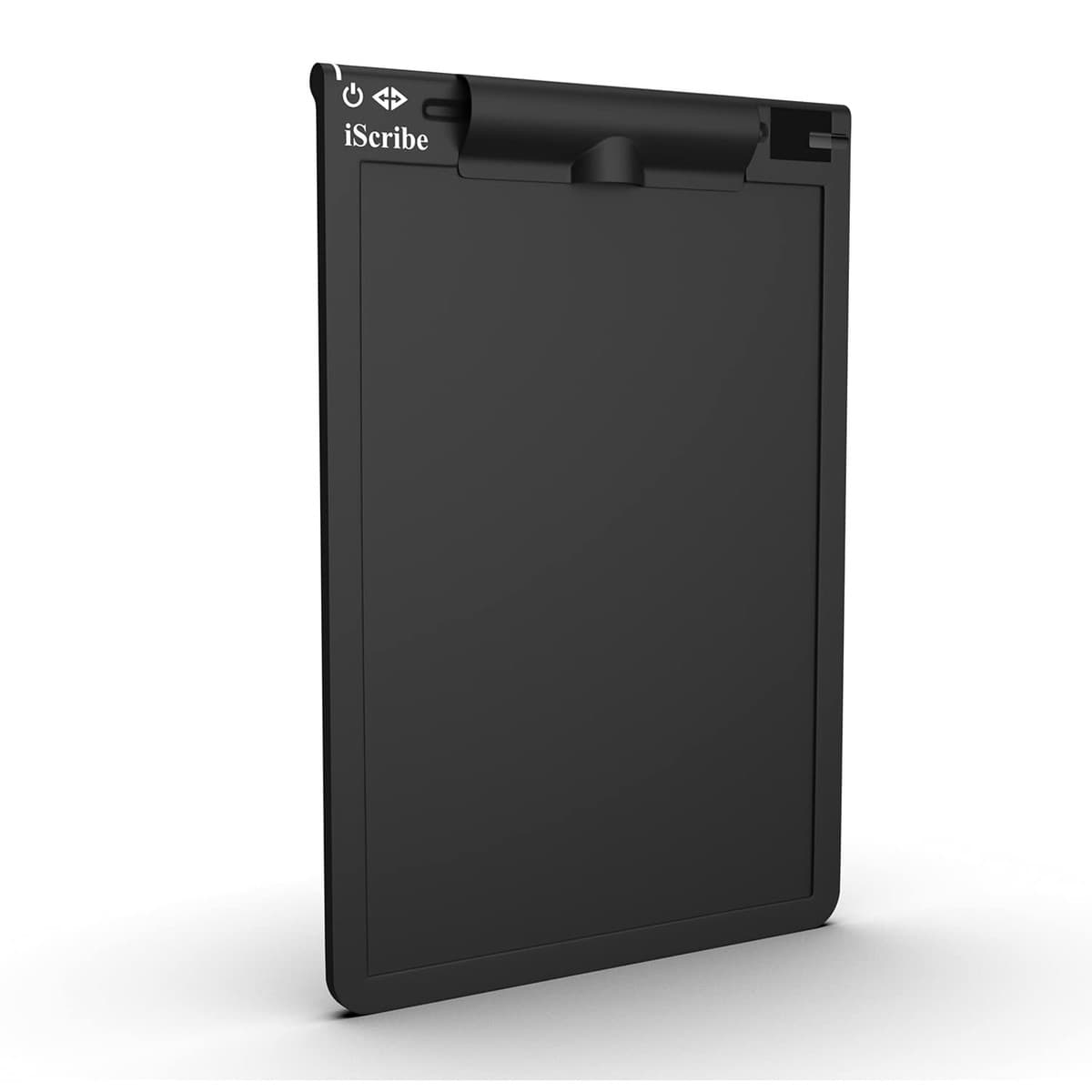
Built for live work
Quickobook Digitalpad keeps the familiar pen-and-paper workflow while making notes ready for screen sharing, records and patient communication.
Connects through USB and starts quickly for clinic desks, online consultations and teaching sessions.
Write on paper and retrieve the work digitally, with comfortable left-hand and right-hand use.
Share handwritten notes through video meeting platforms during consultations or online classes.
Mark up PDF and presentation files while building clear visual explanations for patients or students.
Playable video
Play the short guided demo to see the Windows setup flow: connect the pad, write consultation notes and save the digital output.
Demo video
Plug in the USB cable and keep the A4 pad ready beside the consultation desk.
1 / 3
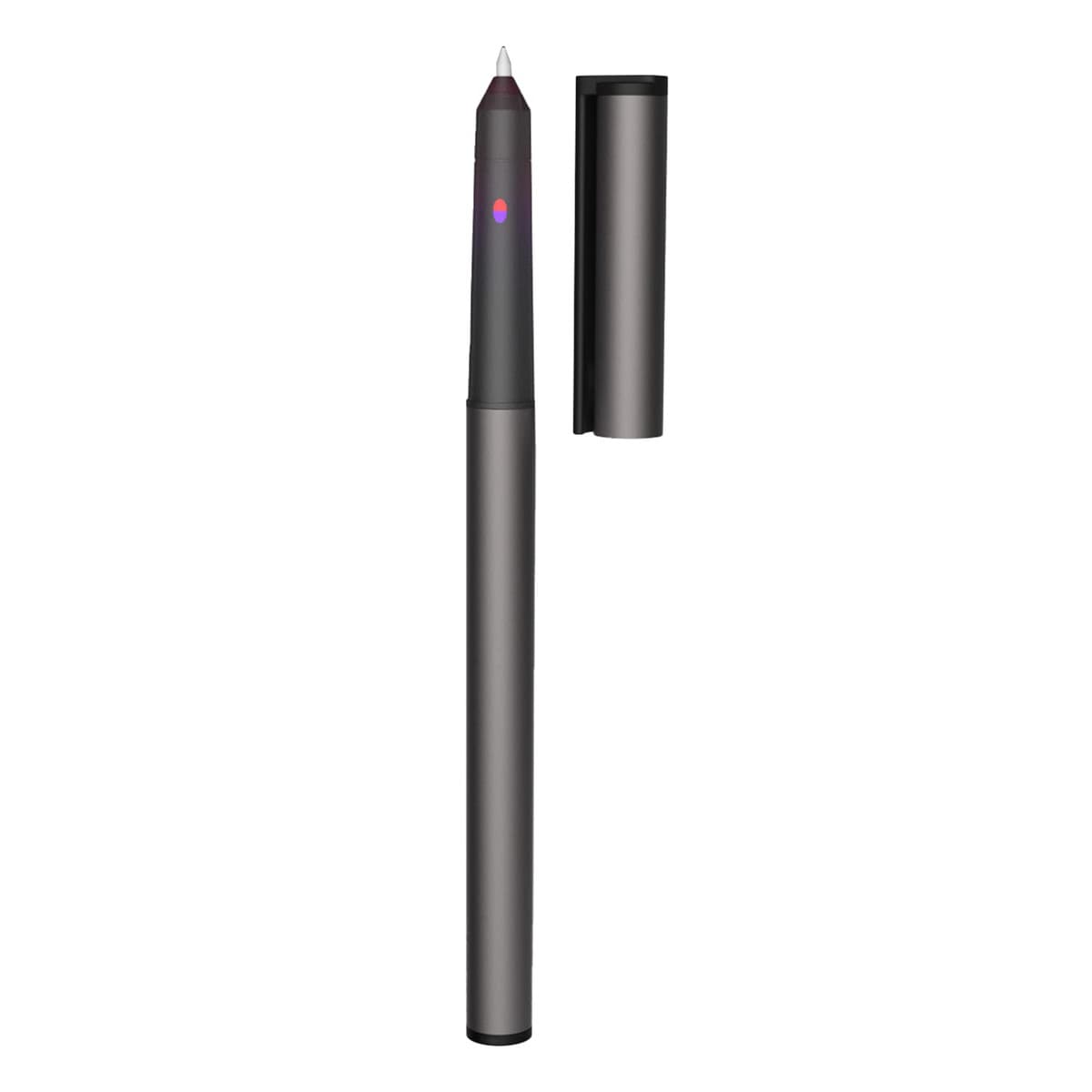
Details
Use it for consultation notes, patient explanations, remote follow-ups, classroom sessions and meeting notes. Saved work can be recalled, edited, played back and exported for later use.
Windows version
Install the Windows app package to use the Quickobook doctor workflow with the Digitalpad and manage patient-facing consultation work from your system.
FAQs
Yes. Doctors can write consultation notes naturally, explain treatment plans during video calls and keep digital records ready for sharing or export.
No. The pad connects through USB, so it is designed for a simple plug-and-play desk setup.
Yes. The Digitalpad workflow supports PDF and PPT annotation, saved files, playback and PDF export.
The package includes the digital writing pad, special pen, extra refill, refill remover, USB cable and user manual.